Managing Your Song Library
Overview
A well-organized song library makes worship services run smoothly. This tutorial covers importing songs, organizing them effectively, and using advanced library features.
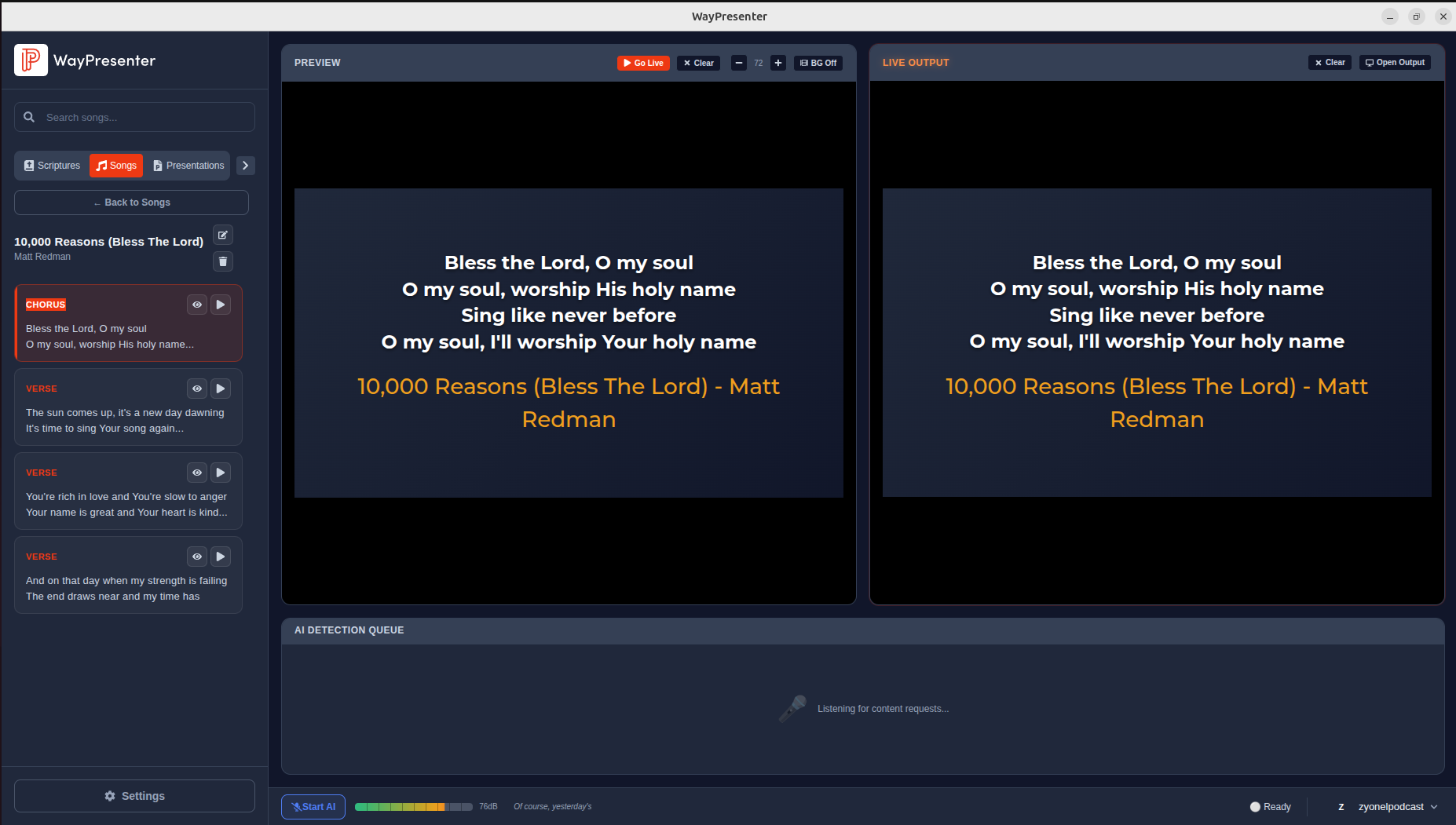
Importing Songs in Bulk
From Other Software
If you're migrating from another presentation tool:
- Go to File > Import
- Select your previous software:
- EasyWorship: Select your database file
- ProPresenter: Select your library folder
- OpenLP: Select the export file
- OpenSong: Select the songs folder
- Review the import preview
- Click Import All or select specific songs
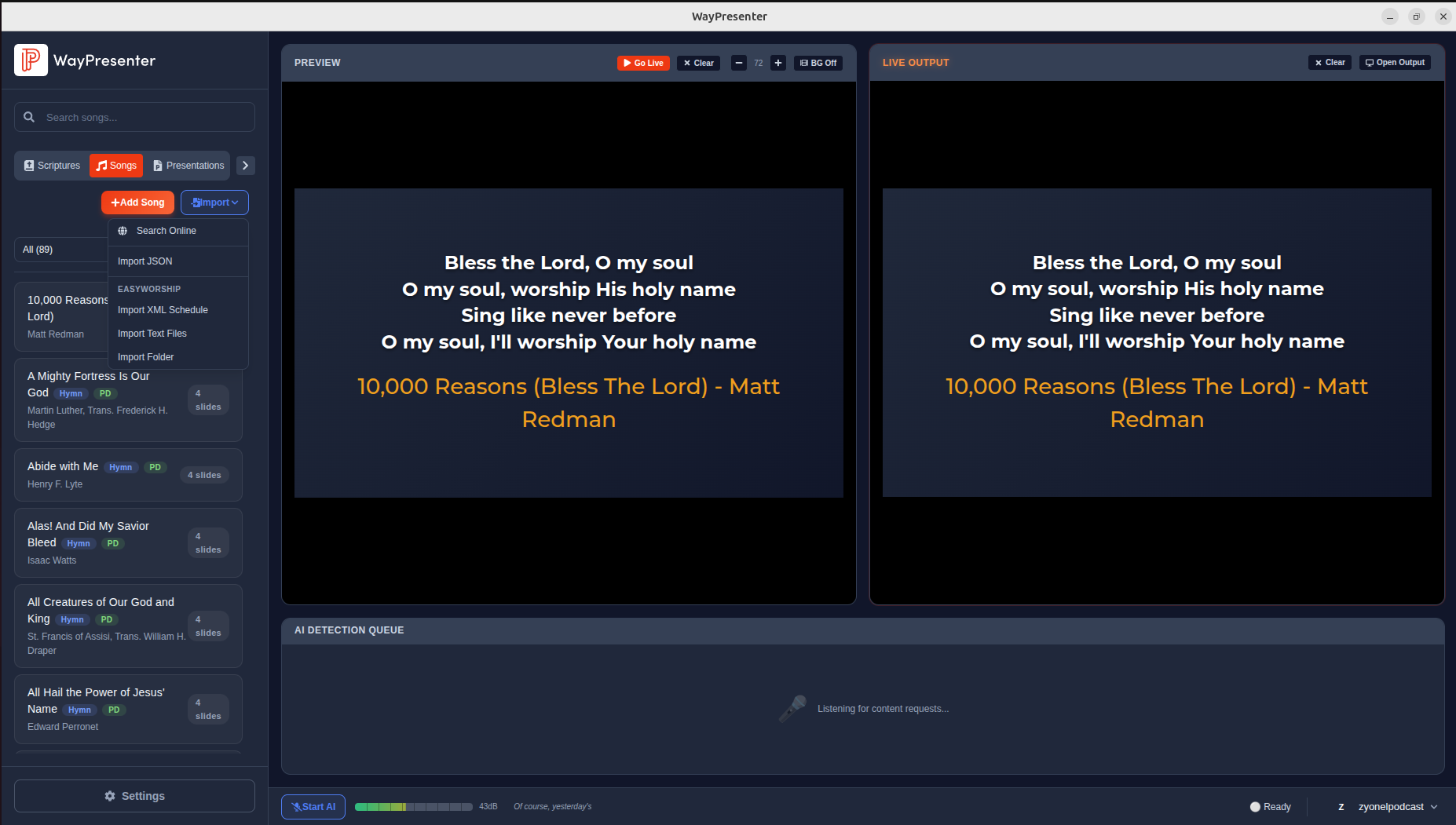
From Text Files
For songs in plain text format:
- Go to File > Import > Text Files
- Select one or more
.txtfiles - WayPresenter auto-detects verse/chorus sections
- Review and edit the parsed results
- Click Import
From the Community Library
Browse shared songs from other WayPresenter users:
- Go to Songs > Browse Community
- Search by title, author, or keyword
- Preview songs before importing
- Click Add to Library
Organizing Your Library
Using Tags
Tags help you find songs quickly:
- Genre: Praise, Worship, Hymn, Contemporary
- Season: Christmas, Easter, Advent
- Tempo: Fast, Medium, Slow
- Key: For musicians
- Theme: Grace, Love, Faith, Hope
To add tags: Open a song > Click Tags > Add or create tags.
Creating Setlists
Prepare songs for upcoming services:
- Go to the Service Plan tab
- Click New Plan
- Search and add songs in your desired order
- Drag to reorder
- Save the plan with a date/name
Favorites
Star frequently used songs for quick access:
- Hover over a song in the library
- Click the star icon
- Filter by favorites using the star filter button
Formatting Song Lyrics
Section Tags
Use standard tags for song sections:
[Verse 1],[Verse 2], etc.[Chorus][Bridge][Pre-Chorus][Tag]or[Ending]
Display Options
- Lines per slide: Control how many lines show at once
- Font size: Adjust per-song or globally
- Alignment: Left, center, or right
- CCLI number: Auto-display your license number
Maintaining Your Library
Regular Cleanup
- Remove duplicate songs (Tools > Find Duplicates)
- Update incorrect lyrics or metadata
- Archive rarely-used songs instead of deleting
- Keep tags consistent
Backing Up
Your song library is included in WayPresenter backups. Set up automatic backups in Settings > Data & Storage to protect your library.
Tips
- Import songs well before the service, not during setup
- Ask worship leaders to submit song lists early in the week
- Use consistent formatting across all songs
- Keep a "This Week" setlist for quick access during services